What are the best Cryptocurrency Wallets on The Market
If you are exploring the world of cryptocurrency and NFTs, having a secure and functional wallet is essential. Many people already have exchange accounts like Coinbase, but few are set up with a dedicated Web3 wallet needed to buy, store, and trade NFTs.
The NFT space is growing rapidly. This comprehensive guide breaks down how cryptocurrency wallets work, the different types available, and step-by-step instructions for setting up your own non-custodial wallet like MetaMask.
What is a Cryptocurrency Wallet?
Cryptocurrency wallets are software or hardware tools used to interact with blockchain networks to safely access, send, and receive digital assets.
Unlike fiat currency (such as USD, EUR, or CAD) held in a bank account, your crypto assets reside on the public blockchain. Your wallet doesn’t store actual physical coins; instead, it holds unique digital keys—specifically your private keys—that grant you ownership and access to authorize transactions on the blockchain network.
Custodial vs. Non-Custodial Wallets
Understanding how your private keys are managed determines the type of wallet you use:
Custodial Wallets (Hosted Wallets)
Custodial wallets are managed by a centralized third party or exchange (such as Coinbase or Binance).
Convenience: Easy setup using an email address, password, and ID verification.
Key Ownership: The exchange holds ownership of your private keys and manages security on your behalf.
Limitations: Most centralized exchange accounts cannot interact directly with decentralized apps (dApps) or NFT marketplaces.
Non-Custodial Wallets (Self-Custody)
With a non-custodial wallet, you retain total control over your private keys and funds.
Full Ownership: No third party stands between you and your assets.
Web3 Integration: Required for connecting to NFT marketplaces like OpenSea, Rarible, and Foundation.
Responsibility: If you lose your recovery phrase or private keys, no customer support service can recover your funds.
How Do Crypto Keys and Addresses Work?
Blockchain transactions rely on two key components working in tandem:
Public Key / Address: Functioning similarly to an email address or bank account number, an Ethereum wallet address begins with 0x followed by 40 alphanumeric characters. You can freely share this address to receive funds or NFTs.
Private Key / Seed Phrase: A private key acts as your master password to sign transactions. During wallet setup, a 12 to 24-word Secret Recovery Phrase (Seed Phrase) is generated to back up your private keys.
Crucial Security Rule: NEVER share your Secret Recovery Phrase or private key with anyone. Store it offline on paper or in a fireproof vault. Anyone with your seed phrase has complete control over your assets.
Types of Non-Custodial Wallets
Software Wallets (Hot Storage): Connected directly to the internet via browser extensions (MetaMask), mobile apps (Rainbow, Trust Wallet), or desktop software. They offer convenience for daily transactions.
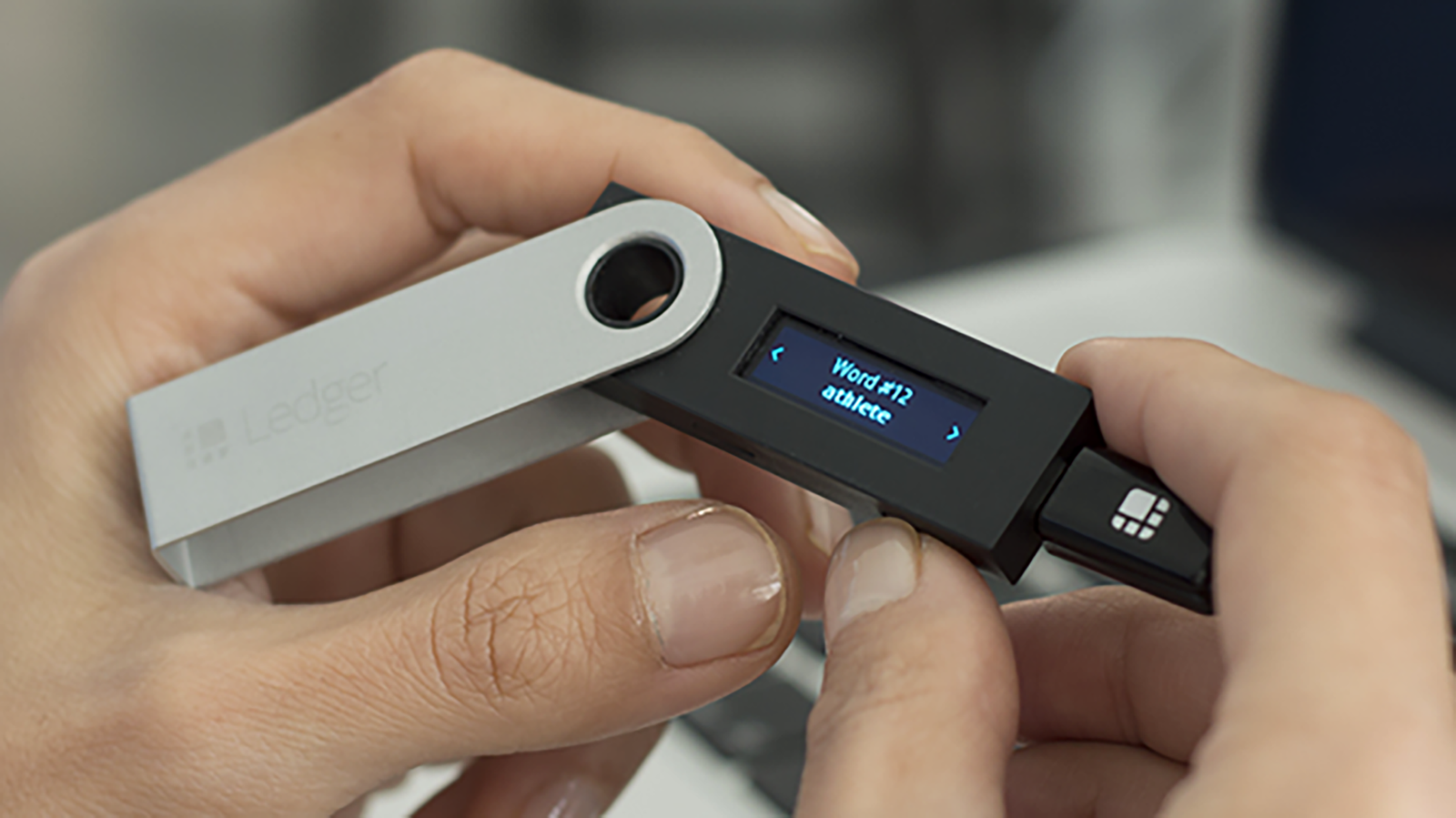
Hardware Wallets (Cold Storage): Physical USB-like devices (such as Ledger or Trezor) that keep your private keys completely offline, isolated from malware and online hacking threats.
Paper Wallets: Physical documents containing printed public and private key pairs (largely superseded today by seed phrases and hardware wallets).
How to Set Up a MetaMask Wallet
MetaMask is one of the most widely used Ethereum web3 wallets for desktop browsers and mobile devices.
Setting Up MetaMask on Desktop (Chrome/Firefox/Brave)
Download: Go to the official website at MetaMask.io and click Download. Select Install MetaMask for Chrome.
Add Extension: Click Add to Chrome to install the browser extension.
Create Wallet: Open the extension and click Get Started, then select Create a Wallet.
Set Password: Create a strong, unique password for local device access and accept the Terms of Use.
Secure Your Secret Recovery Phrase:
Write down the 12-word recovery phrase on paper in the exact order shown.
Do not take a screenshot or save it in an unencrypted text file.
Confirm Seed Phrase: Select the words in the correct sequence to confirm your backup.
Setting Up or Syncing on Mobile (iOS / Android)
Download the official MetaMask app from the Apple App Store or Google Play Store.
Select Get Started.
Choose Sync with MetaMask Extension (scan the QR code under Settings > Advanced in your browser wallet) or tap Import using Secret Recovery Phrase.
Important Notice for Purchasing NFTs
If you plan to transfer Ethereum (ETH) from a centralized exchange like Coinbase to your new MetaMask wallet for an upcoming NFT drop or transaction, keep transfer lead times in mind:
ACH Bank Transfers: Standard bank transfers on exchanges can take 3 to 7 business days to clear before funds can be withdrawn to an external wallet.
Wire Transfers: Funding an account via wire transfer often speeds up availability for immediate withdrawal.
Direct Purchases: Some regions allow purchasing ETH directly within MetaMask using integrated payment providers.
Summary
Setting up a non-custodial crypto wallet gives you direct control over your digital assets and opens the door to Web3 applications and NFTs. Always prioritize security: back up your recovery phrase offline, double-check website URLs before connecting your wallet, and never share your private keys.
Article by

Aashutosh Tripathi (Aakesh Aainon)
This article is already published in Blogger.com by author.
All Rights Reserved